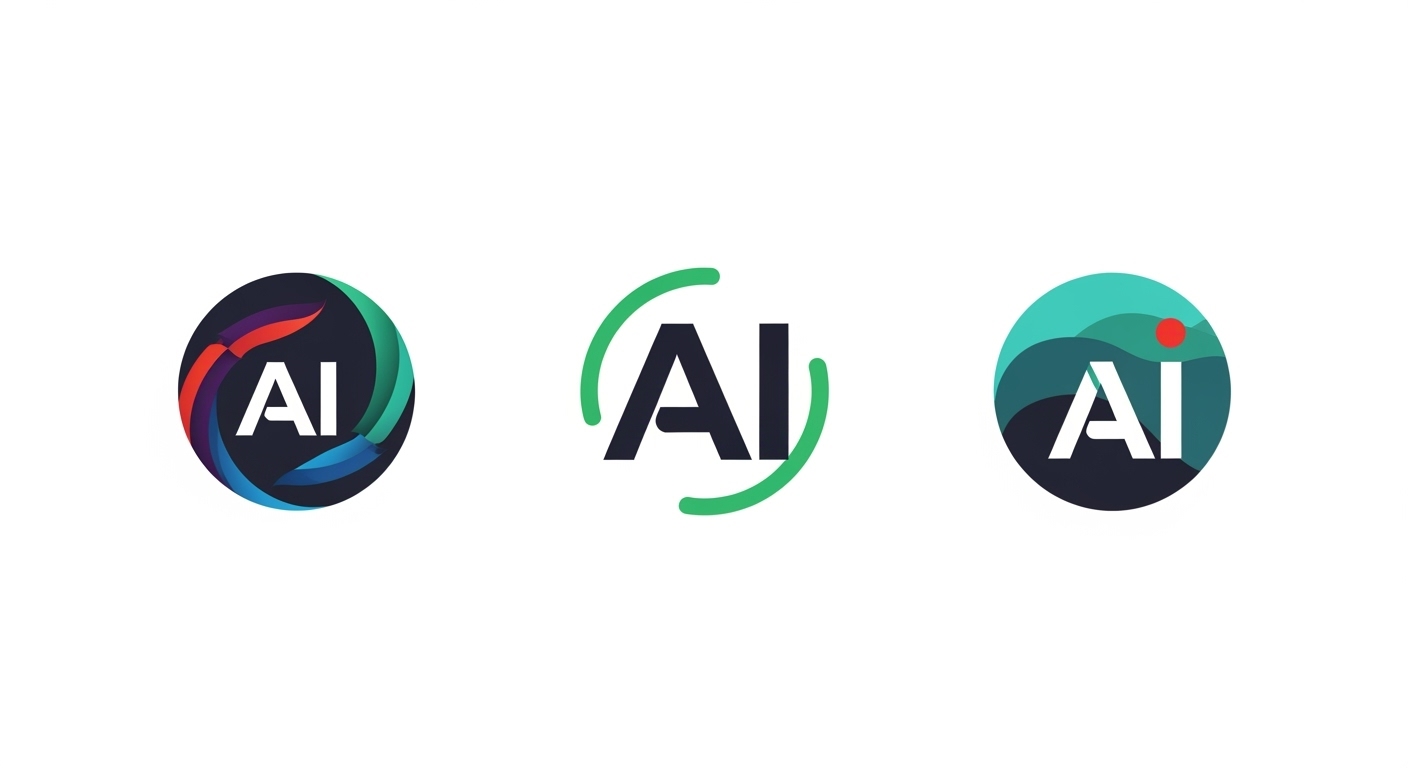

In the dynamic world of graphic design, the concept of an AI logo has revolutionized how brands establish their visual identity. Adobe, a leader in creative software, has integrated artificial intelligence seamlessly into its ecosystem, enabling designers to craft compelling AI logos with unprecedented efficiency and creativity. This article explores how Adobe’s tools empower users to generate and refine AI logos, highlighting the transformative impact on the design process.
Understanding AI Logo in Adobe’s Framework
An AI logo refers to a logo created or enhanced using artificial intelligence algorithms, which analyze design elements to produce innovative results. Within Adobe’s suite, this manifests through intelligent features that automate and augment traditional logo design. Adobe Illustrator, for instance, incorporates AI-driven capabilities that suggest shapes, colors, and layouts based on user inputs. By leveraging machine learning, designers can input basic ideas—like a company name or industry—and receive AI-generated variations that serve as starting points for an AI logo.
Adobe’s commitment to AI integration began with Adobe Sensei, its AI and machine learning framework, which powers many of its applications. For AI logo creation, Sensei analyzes vast datasets of design trends, ensuring that generated logos are not only unique but also aligned with current aesthetics. This approach democratizes design, allowing even novices to produce professional-grade AI logos without starting from scratch.
Key Features for Crafting an AI Logo
Adobe offers a range of features tailored for AI logo development, making the process intuitive and powerful. In Adobe Express, users can access AI-powered templates specifically for logos. By simply describing the desired style—such as minimalist or vibrant—the tool generates multiple AI logo options. These are customizable, with AI suggesting complementary fonts and icons that enhance the overall composition.
Another standout feature is the AI-enhanced vector editing in Illustrator. When designing an AI logo, the software’s neural networks can automatically simplify complex paths or suggest symmetrical adjustments, ensuring scalability across various media. Color harmony is another area where Adobe shines; AI algorithms recommend palettes based on psychological principles and brand guidelines, helping to create an AI logo that resonates emotionally with audiences.
Moreover, Adobe’s integration of generative AI through Firefly allows for text-to-image prompts that can inspire logo elements. For example, typing “futuristic tech emblem” might yield abstract shapes that form the basis of an AI logo, all while maintaining Adobe’s high standards for quality and originality.
Benefits of Using Adobe for AI Logo Creation
The advantages of employing Adobe for AI logo design are manifold. Speed is a primary benefit; what once took hours of manual iteration can now be accomplished in minutes with AI assistance. This efficiency is crucial for businesses needing quick branding solutions, as an AI logo can be prototyped, tested, and finalized rapidly.
Creativity amplification is another key perk. Adobe’s AI doesn’t replace human ingenuity but enhances it by offering diverse suggestions that spark new ideas. Designers report that working with AI logos in Adobe tools expands their creative horizons, leading to more innovative outcomes.
Accessibility is also improved. Adobe’s cloud-based features mean that AI logo creation is available on various devices, fostering collaboration. Teams can share AI-generated logo drafts in real-time, refining them collectively through Adobe’s shared libraries.
From a technical standpoint, Adobe ensures that AI logos are optimized for versatility. Vectors remain editable, colors are consistent across CMYK and RGB, and files are exportable in multiple formats, making them ideal for print, web, or apparel.
Real-World Applications and Examples
In practical scenarios, Adobe’s AI capabilities have been instrumental in various industries. Consider a startup in the tech sector aiming for a modern AI logo. Using Adobe Illustrator’s AI features, the designer inputs keywords like “innovation” and “connectivity,” resulting in generated icons that blend circuits with abstract forms. Refinements via AI-powered tools ensure the logo is balanced and memorable.
Non-profits have also benefited. An environmental organization might use Adobe Express to create an AI logo incorporating nature motifs. The AI suggests eco-friendly color schemes, such as greens and blues, derived from analyzed trends, producing a logo that effectively communicates sustainability.
Educational institutions leverage Adobe for AI logo projects in design courses. Students experiment with AI prompts to generate logos, learning how machine intelligence complements artistic skills. These examples underscore Adobe’s role in making AI logo design inclusive and impactful.
The Future of AI Logo with Adobe
Looking ahead, Adobe continues to innovate in the realm of AI logo creation. Upcoming enhancements in Sensei promise even more sophisticated generative models, potentially incorporating real-time feedback from user interactions to refine AI logos dynamically. Integration with emerging technologies like augmented reality could allow previews of AI logos in virtual environments, enhancing decision-making.
Adobe’s ethical approach to AI ensures that generated logos respect intellectual property, with built-in checks for originality. As AI evolves, Adobe positions itself as a pioneer, empowering creators to push boundaries while maintaining control over the final output.
In summary, the advent of the AI logo marks a pivotal shift in design, and Adobe stands at the forefront with its robust, user-centric tools. By harnessing AI, designers can achieve results that are not only efficient but also profoundly creative, ensuring that every AI logo tells a compelling brand story.