
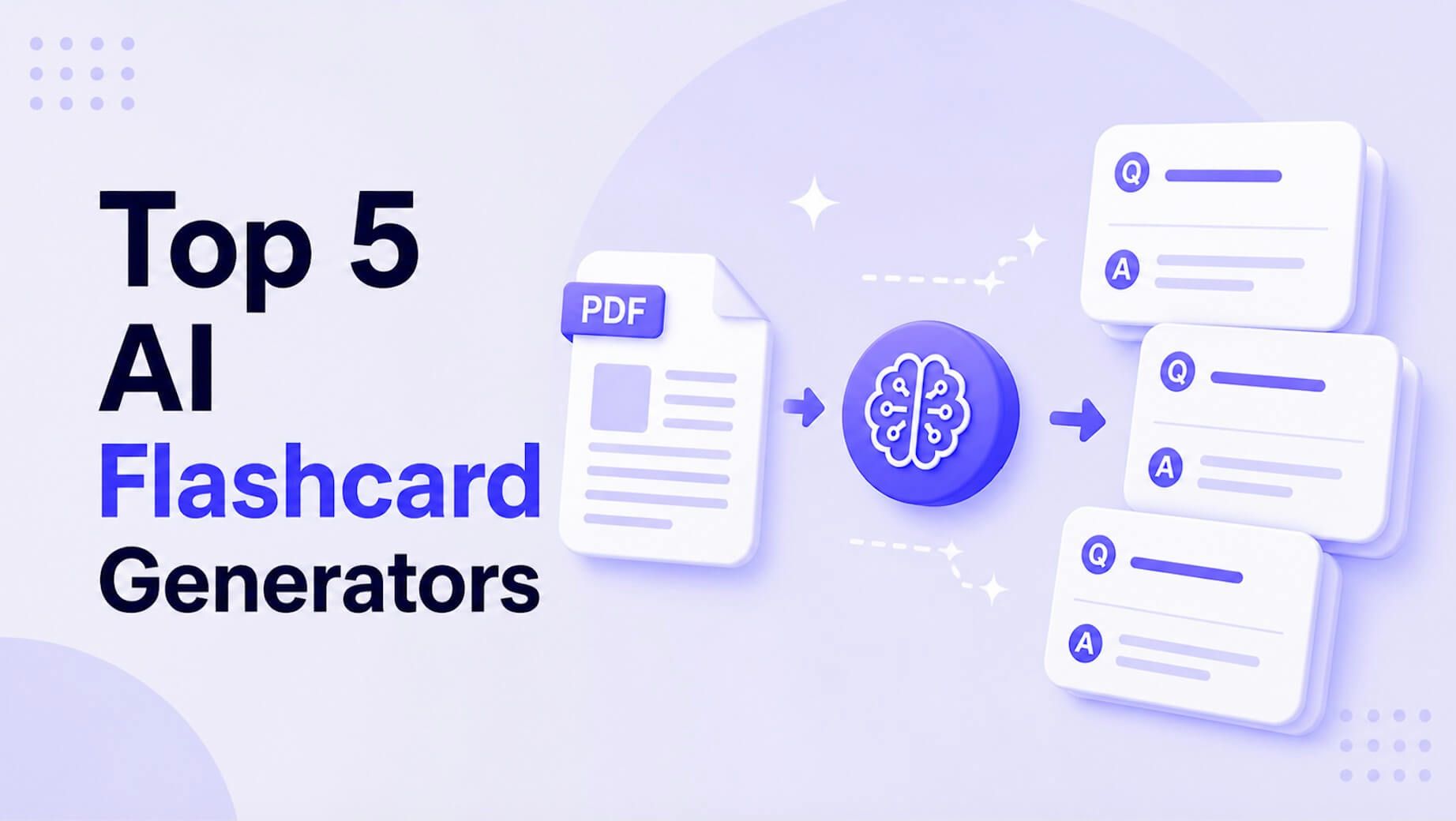
An AI flashcard generator turns uploaded PDF, PPTX, video, or audio sources into draft flashcards you can edit. Adobe Acrobat’s flashcard maker handles the document side, accepting PDFs, lecture slides, readings, and notes up to 100MB and 600 pages, and it lists no video or audio, so convert recordings to text first.
A file type decides how much of your material an AI tool can use. A Word file carries headings that signal structure, a PowerPoint carries short phrases without the spoken explanation, a PDF may be typed text or just page images, and audio and video carry everything but only after transcription. This article compares tools by what they accept, explains what each format keeps and loses, and gives a quick way to choose the best format for your files. Each tool’s list below was checked against its own page or a named review. Details come from each tool’s own pages where possible and from review pages where noted. Plans and limits change, so confirm them before you rely on one. Start with the format you use most.
| Tool | Documents it lists | Video or audio |
| Adobe Acrobat flashcard maker | PDFs, lecture slides, readings, notes | None listed |
| Quizlet | .docx, .pdf, .pptx | Recorded audio |
| Gemini Notebook | Word, PDF, PowerPoint, text, Markdown, CSV, ePub, images | Audio and YouTube on mobile |
| Knowt | PDF, PPT, images | Video, audio, live recording |
| Gizmo | PDFs, notes, PowerPoints, photos, per one review | Recordings and YouTube links |
| Jungle AI | Articles and PDFs, per one guide | Videos, per one guide |
Best AI Flashcard Creators From Documents: How Do the Main Options Compare?
They differ most in what comes after the upload. Adobe Acrobat’s flashcard maker pulls key terms, definitions, and formulas, lets you add your own questions and focus on specific pages, and links to quizzes and study guides. Quizlet’s upload produces a study guide, flashcards, and quizzes. Gemini Notebook, formerly NotebookLM, generates flashcards and quizzes from sources of up to 500,000 words or 200MB each and offers a CSV download for flashcards. Knowt makes flashcards, notes, and practice tests from uploads, and Gizmo’s Magic Import covers many formats, according to one review. Choose the creator whose outputs match how you study, then test it on one chapter. The table lists what each accepts. Prices and caps can change at any time. Plans change, so confirm each limit on the tool’s page. Keep the original files so you can compare cards with them. Rewrite weak cards in your own words.
AI Flashcards: Which Supported File Types Include PDF, DOCX, and PPTX?
Quizlet lists all three: its study guide upload takes .docx, .pdf, and .pptx files up to 25MB, two at a time. Gemini Notebook lists Word, PDF, and PowerPoint, plus text, Markdown, CSV, ePub, and images. Adobe Acrobat’s flashcard maker lists PDFs, lecture slides, readings, and notes, and its Student Spaces mind map page lists DOCX, XLSX, PPTX, TXT, and RTF. Knowt lists PDF and PPT. Format matters for quality: a DOCX with real headings gives the AI structure, a PPTX gives short phrases, and a PDF works well only if the text can be selected. If a tool rejects a format, save or export to PDF. Check the file’s size and page count against each tool’s limits before you upload. Prices and limits change, so confirm them first. Test one file in each format you use.
Frequently Asked Questions
Is PPTX or PDF better for lecture slides?
Use whichever the tool accepts, and check the result. A PPTX file holds speaker notes, but a tool may not read them, so paste important notes into your upload if the cards look thin. A PDF export is accepted almost everywhere and keeps the layout. If your slides are mostly images, add a text outline or your own notes. Compare two or three cards with the slide they came from. Speaker notes often hold the explanation the slide leaves out. Retest cards you miss.
How long can a video or audio file be?
It depends on the tool, and many do not publish a length. Gemini Notebook’s help page says video length is not limited unless the caption file passes 500,000 words. For others, check the tool’s page, and split long recordings by topic. A shorter clip also makes it easier to check the cards against what was said. Delete the recording when the course ends. Check that auto-generated captions spell terms correctly.
What format should I save my own notes in?
Typed text with headings, saved as DOCX or plain text, is the safest choice. It keeps structure and avoids scanning problems. If you write by hand, retype key terms or use a text version, because a photo of handwriting may not convert well. Name the file by unit so each set stays organized. Back up your notes in plain text. Review cards you made from handwritten notes twice.
 jolie@afterbreakmag.com
 Osacr James S